Coming soon to iPad and iPhone

Fewer screen-time battles. More “look what I learned!”

In BrimbleBay, children fill their own jar with minutes by reading, counting and moving, then spend them on the games they love. You decide which games are open, which are earned and which are hidden.
102030 Mia
Sprout & Spell+2
Pageling+5
Moonbeam Stretch+4
Saving forRocket Rails8 more minutes

Learn it. Earn it. Play it.

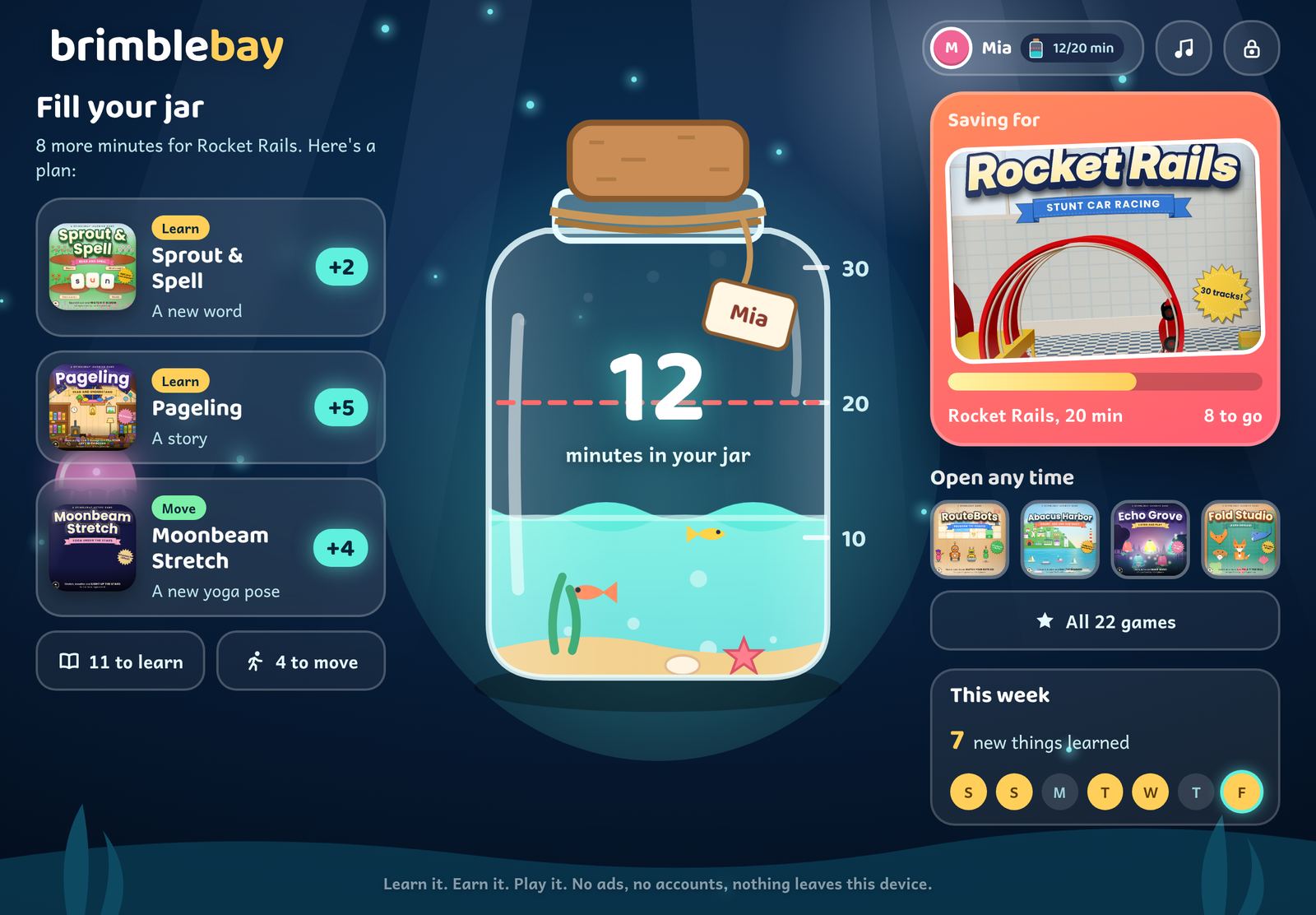
Learning is never locked. Every new word, story or yoga pose raises the tide in a child's jar, and they can see exactly how close they are.

Sprout & SpellPagelingMoonbeam Stretch

Learn or move

Reading, writing, numbers, music, coding, yoga and more. Real progress earns minutes, not time spent tapping.

Watch the tide rise

Children pick what they're saving for. Their jar shows the goal line and a short plan of steps that will get them there.
Rocket RailsComet KitchenPaper Jungle

Play what they saved for

A gentle two-minute warning, then the game saves and rests. No “just one more”, and never a purchase prompt.

Meet Finn

A one-minute tour of BrimbleBay for children and grown-ups: the jar, Learn, Move and Play, saving for a game, and the family page.

Sound on: Finn narrates. Every line is also on screen.

A home screen that shows the way

Each child sees their own jar, the goal they're saving for and a plan to reach it. Tap a step and you're straight into the game.
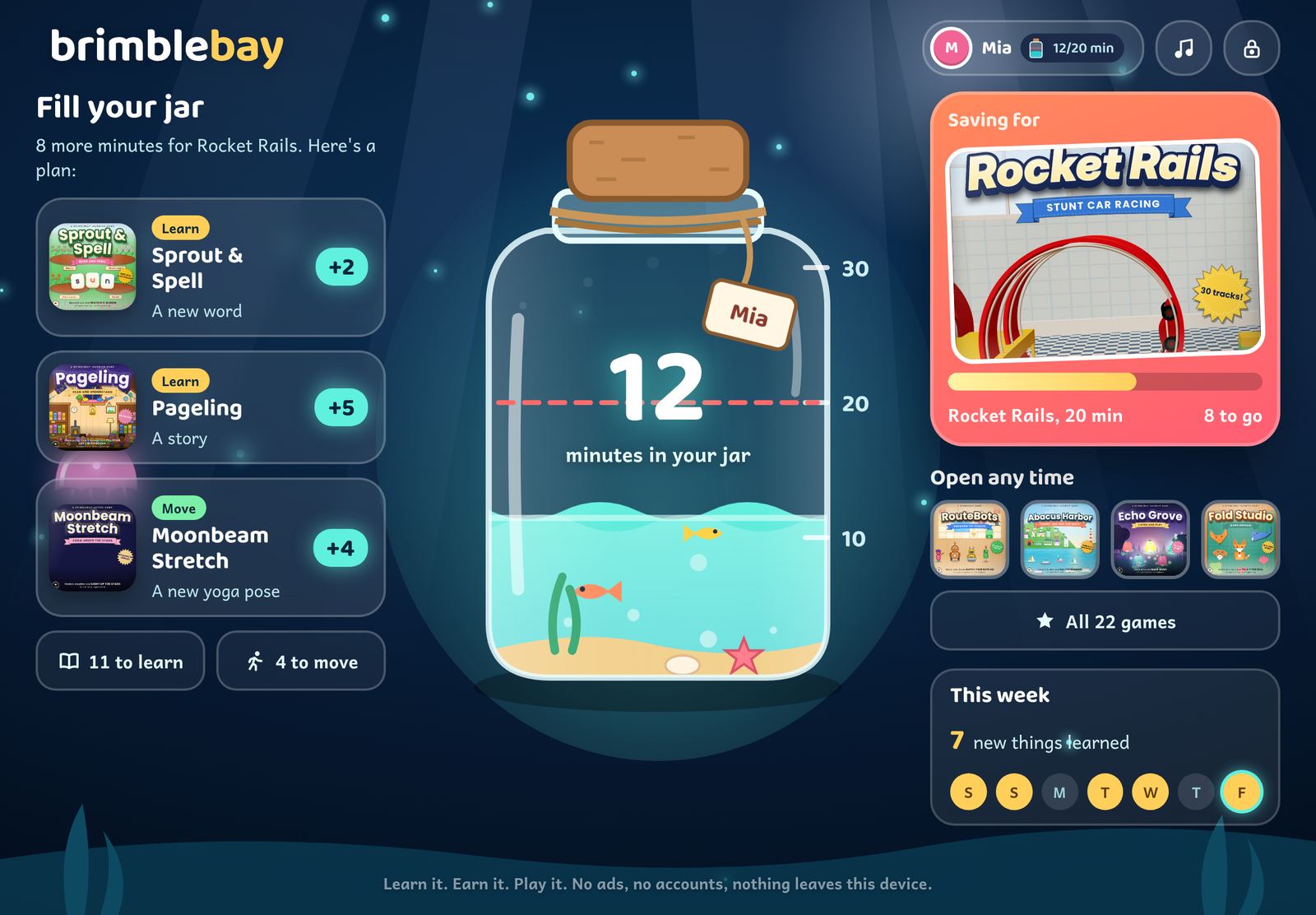
BrimbleBay on iPad: Mia's jar has 12 minutes, she is saving for 20 minutes of Rocket Rails, and a plan suggests a new word in Sprout & Spell, a story in Pageling and a yoga pose in Moonbeam Stretch.
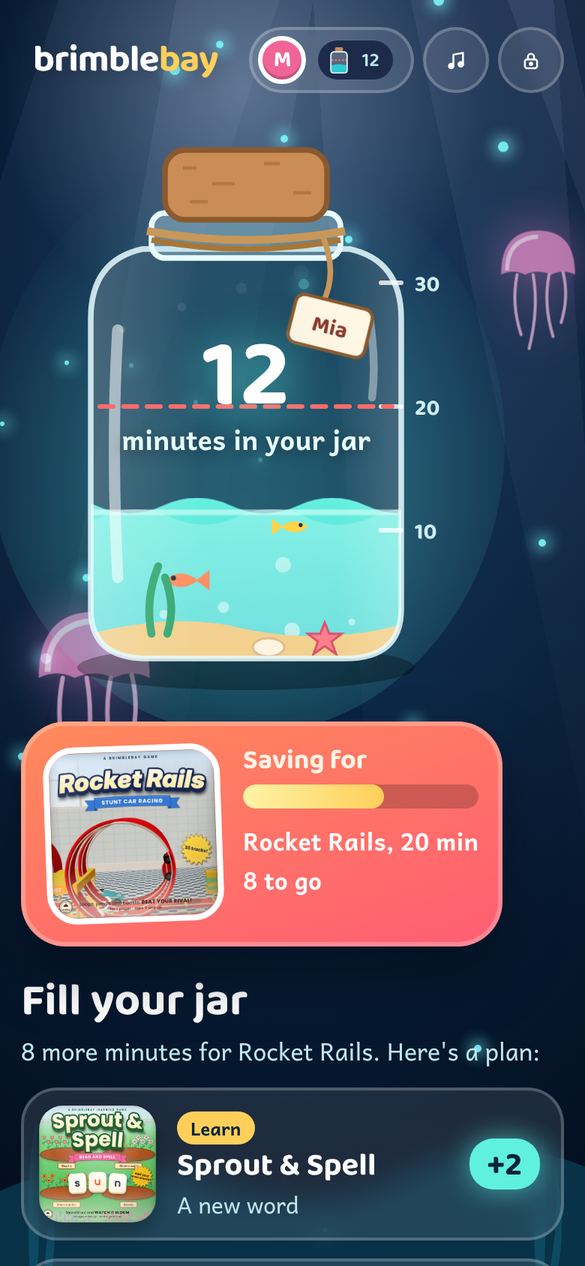
The same home screen on iPhone.
Fill your jar: a plan for todaySaving for a favouriteOpen any time gamesThis week, at a glance
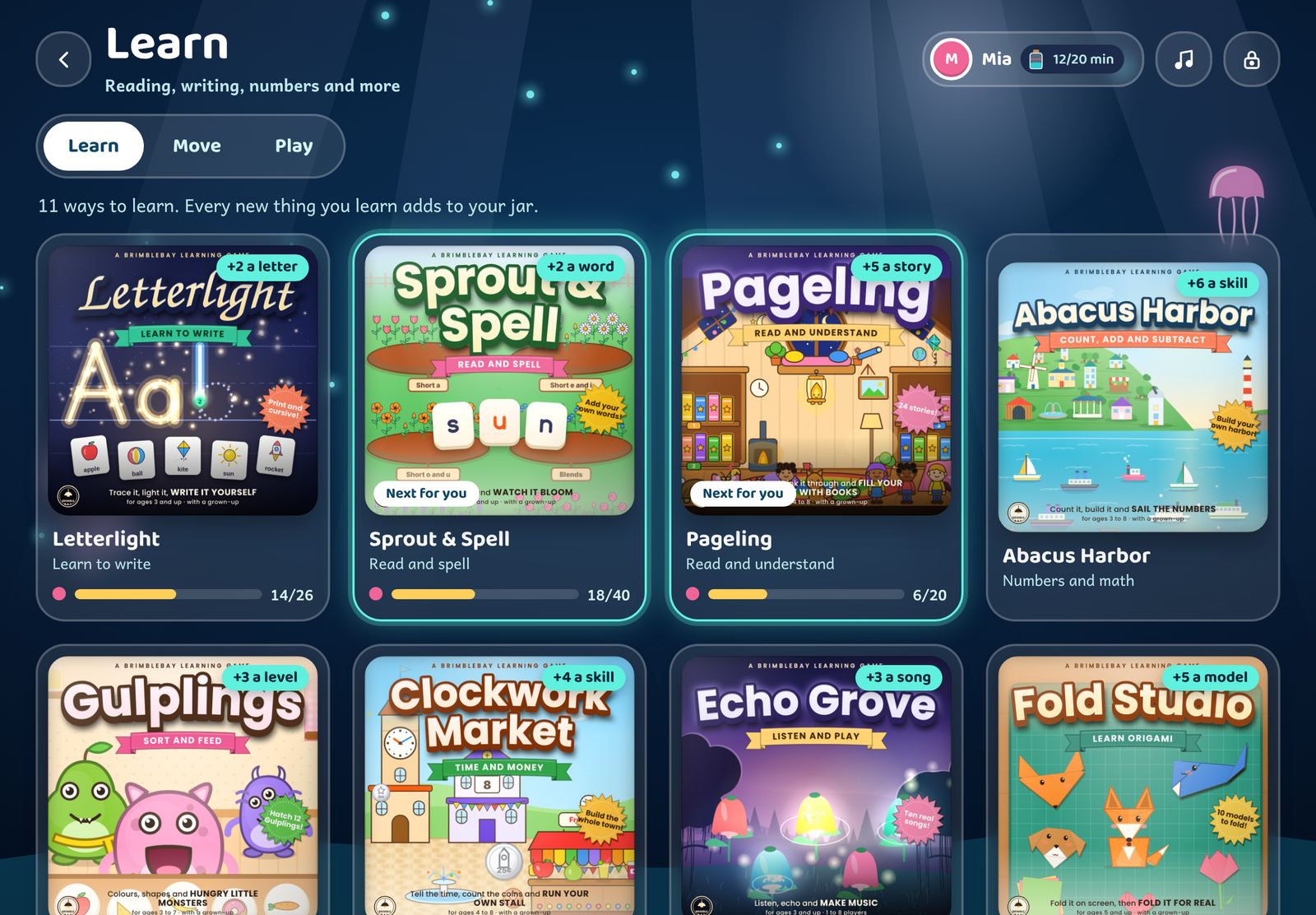
The Learn room: game covers with the minutes each step adds, the child's progress bars and Next for you.
Learn, Move and PlayEvery learning game shows what a new step is worth and how far along your child is.
The home screen in the evening: the sea turns dark blue with a moon glow and jellyfish.
By day and by nightAfter six the bay turns to moonlight, and quiet hours can rest the jar games at bedtime.
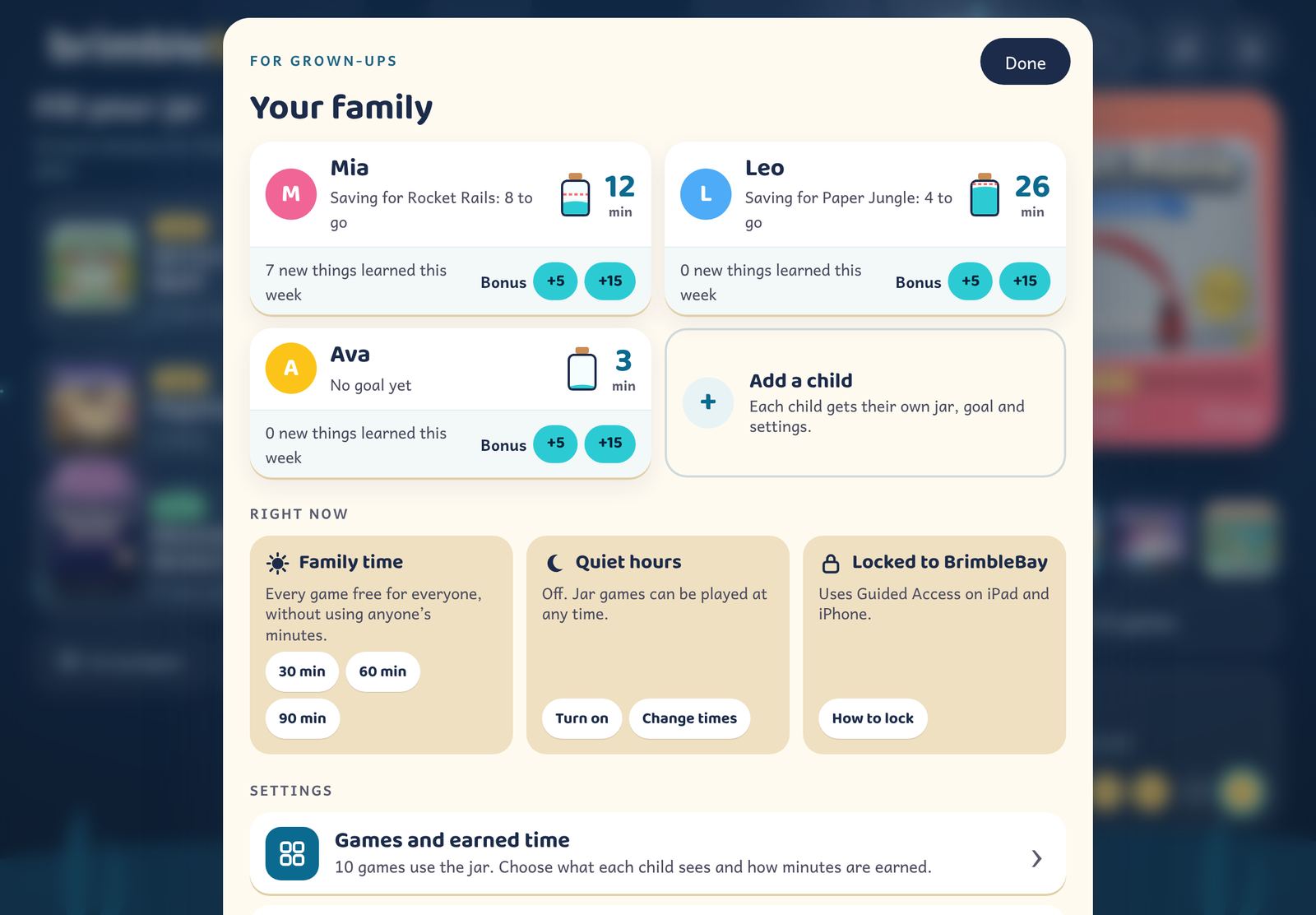
For grown-ups: each child's jar and goal, bonus buttons, and Family time, quiet hours and the lock under Right now.

You set the rules, for each child

Everything lives behind a parent check, on one simple page: your children and their jars first, then what's happening right now.

  • 1
    Open, Earn time or HiddenEvery game and every room, per child, with sensible defaults. 10 fast arcade games use the jar out of the box.
  • 2
    Daily limits and quiet hoursJar games rest at bedtime. Learning and moving stay open.
  • 3
    Bonus minutesFor chores, a paper book or a kind act. One tap.
  • 4
    Family timeOpen every game for everyone, free, for 30, 60 or 90 minutes.
Read the parents' guide

35 original games in three places

Every game, character and picture was made for BrimbleBay. Swipe a row to see them all.

Learn11 ways to learn

Reading, writing, numbers, time and money, music, coding, origami and space, side by side with a grown-up. Roughly ages 4 to 8.
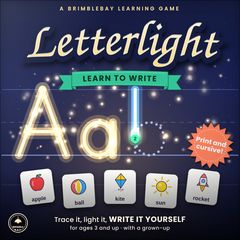
Letterlight cover
LetterlightLearn to write
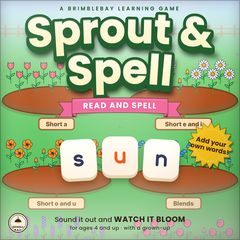
Sprout & Spell cover
Sprout & SpellRead and spell Free to try
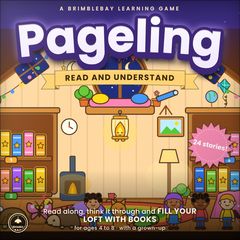
Pageling cover
PagelingRead and understand
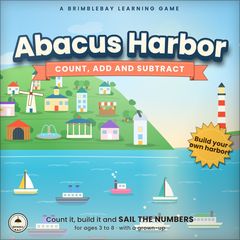
Abacus Harbor cover
Abacus HarborNumbers and math
Gulplings cover
GulplingsSort and feed
Clockwork Market cover
Clockwork MarketTime and money
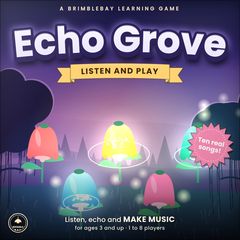
Echo Grove cover
Echo GroveListen and play
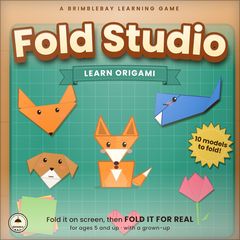
Fold Studio cover
Fold StudioLearn origami
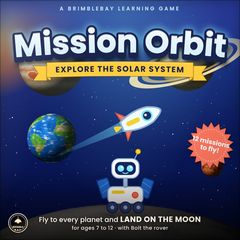
Mission Orbit cover
Mission OrbitExplore the solar system
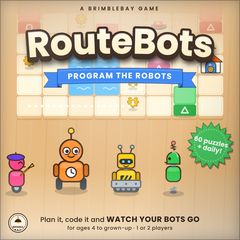
RouteBots cover
RouteBotsProgram the robots
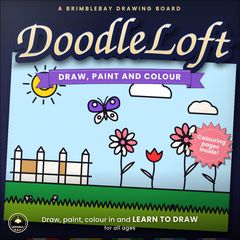
DoodleLoft cover
DoodleLoftDraw, paint and colour

Move4 ways to move

Yoga, freeze games, countdowns and paper planes. Getting up fills the jar too.
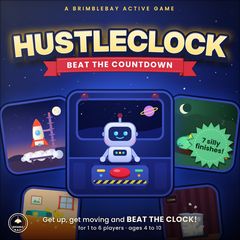
HustleClock cover
HustleClockBeat the countdown
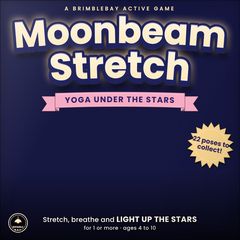
Moonbeam Stretch cover
Moonbeam StretchYoga under the stars
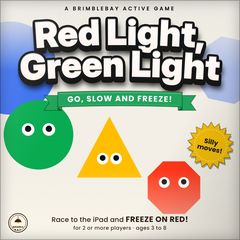
Red Light, Green Light cover
Red Light, Green LightGo, slow and freeze!
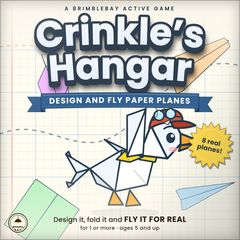
Crinkle’s Hangar cover
Crinkle’s HangarDesign and fly paper planes

Play24 games and studios

Racing, cooking, building and beat-making that use the jar, plus chess, checkers and table games for the whole family that never do.
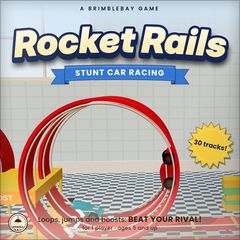
Rocket Rails cover
Rocket RailsStunt car racingUses the jar Free to try
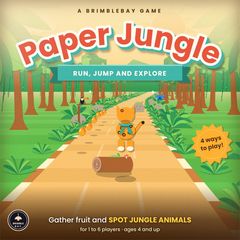
Paper Jungle cover
Paper JungleRun, jump and spot animalsUses the jar
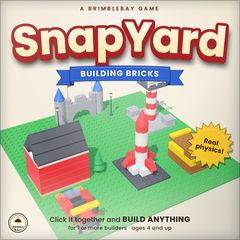
SnapYard cover
SnapYardBuilding bricksUses the jar
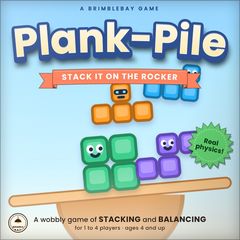
Plank-Pile cover
Plank-PileStack it on the rockerUses the jar
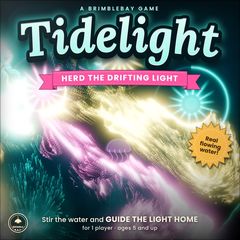
Tidelight cover
TidelightHerd the drifting lightUses the jar
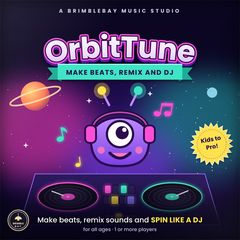
OrbitTune cover
OrbitTuneMake beats, remix and DJUses the jar
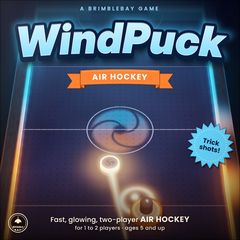
WindPuck cover
WindPuckAir hockeyUses the jar
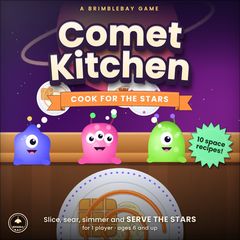
Comet Kitchen cover
Comet KitchenCook for the starsUses the jar
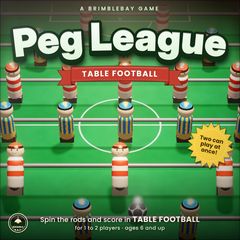
Peg League cover
Peg LeagueTable footballUses the jar
DoodleLoft cover
DoodleLoftDraw, paint and colour
RouteBots cover
RouteBotsProgram the robots
Abacus Harbor cover
Abacus HarborNumbers and math
Echo Grove cover
Echo GroveListen and play
Fold Studio cover
Fold StudioLearn origami
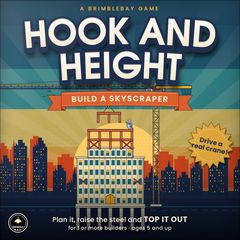
Hook and Height cover
Hook and HeightBuild a skyscraper
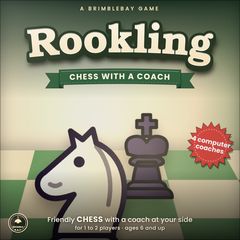
Rookling cover
RooklingChess with a coach
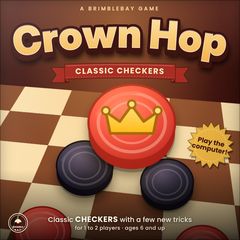
Crown Hop cover
Crown HopClassic checkers Free to try
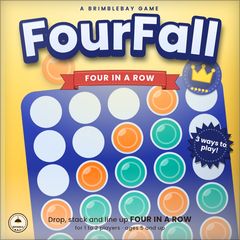
FourFall cover
FourFallFour in a row Free to try
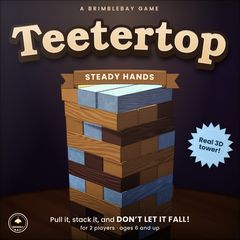
Teetertop cover
TeetertopSteady hands
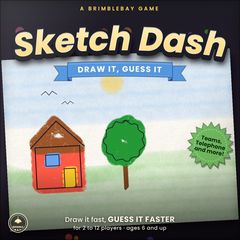
Sketch Dash cover
Sketch DashDraw it, guess it
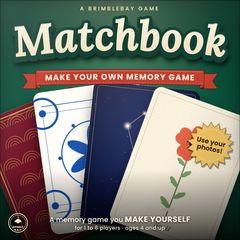
Matchbook cover
MatchbookMake your own memory game
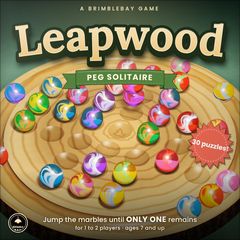
Leapwood cover
LeapwoodPeg solitaire
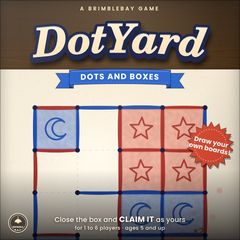
DotYard cover
DotYardDots and boxes
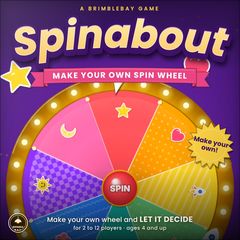
Spinabout cover
SpinaboutMake your own spin wheel

Built for kids. Not for selling to kids.

No ads, ever

No sponsored content, no pop-ups, nothing for children to buy.

It stays at home

Children's names and progress stay on your devices. No accounts, no tracking.

Works offline

Every game, voice and picture is inside the app. Great for trips.

Kind by design

No streak guilt, no surprise rewards, no “hurry”. Learning is never locked.
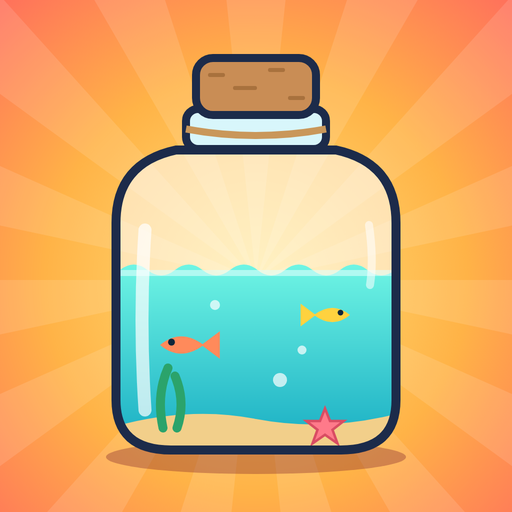
The BrimbleBay app icon: a glass jar of sea water on a sunrise.

Try it free. One plan for the whole family.

Four games are free to play, with the jar and every grown-up setting. One family plan opens all of BrimbleBay for everyone in your home, bought and managed through your Apple account.

  • Sprout & Spell
  • Crown Hop
  • FourFall
  • Rocket Rails

Want to know when BrimbleBay opens?

Send us a quick email and we'll write back once, when it's in the App Store. No mailing list.

Tell me when it's ready